
For day schools
Run the whole term from one place
Primary, junior and senior schools use Study Point for registers, marks and CBC report cards, fees with M-Pesa, the school bus and a parent app that keeps every family up to date.
Mornings that start on time
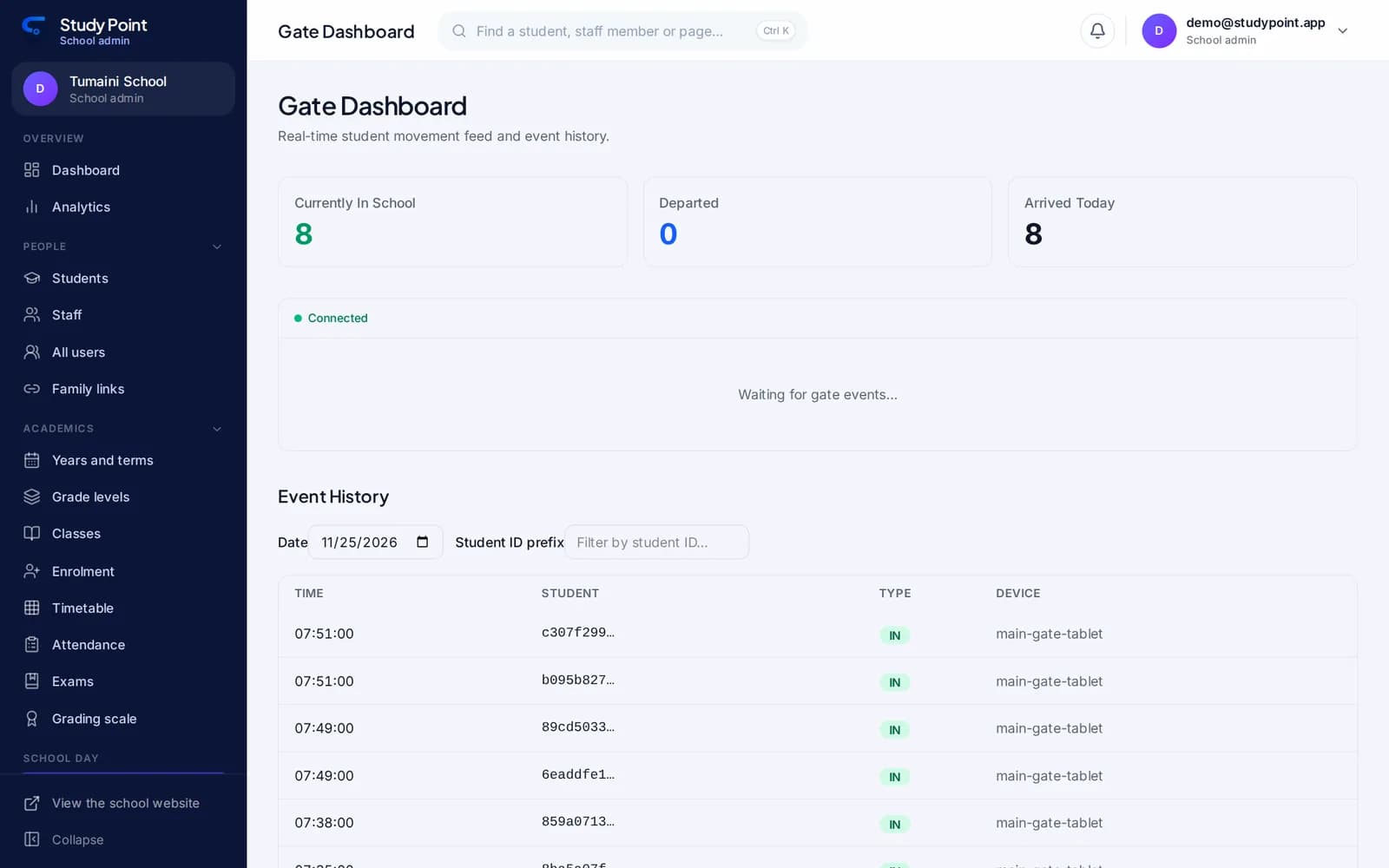
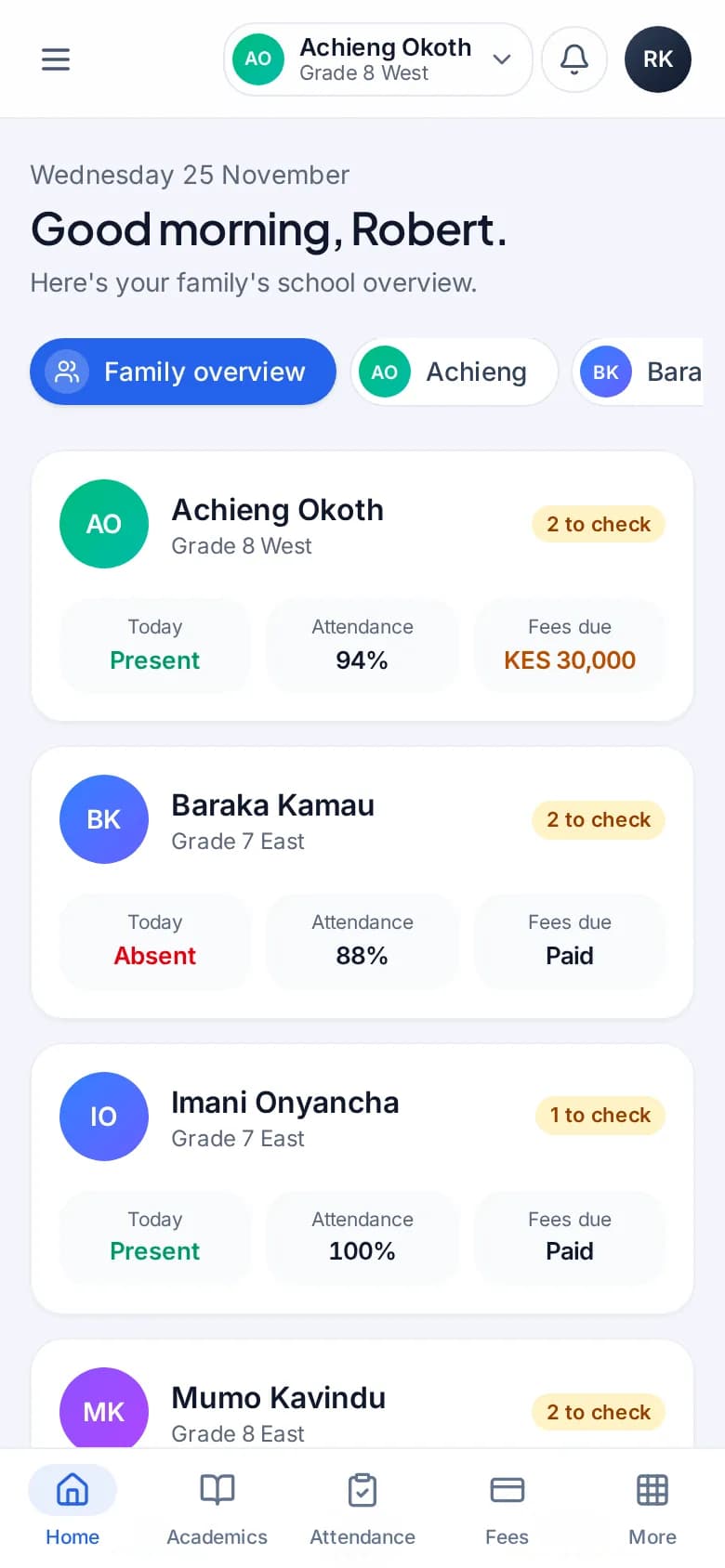
Buses check every child on, the gate records arrivals and teachers take the register in a few taps. The office sees who is in school before first lesson.
- Bus pick-up checklists
- Gate check-in that works offline
- Absence notes from parents already in the register
CBC records without the spreadsheets
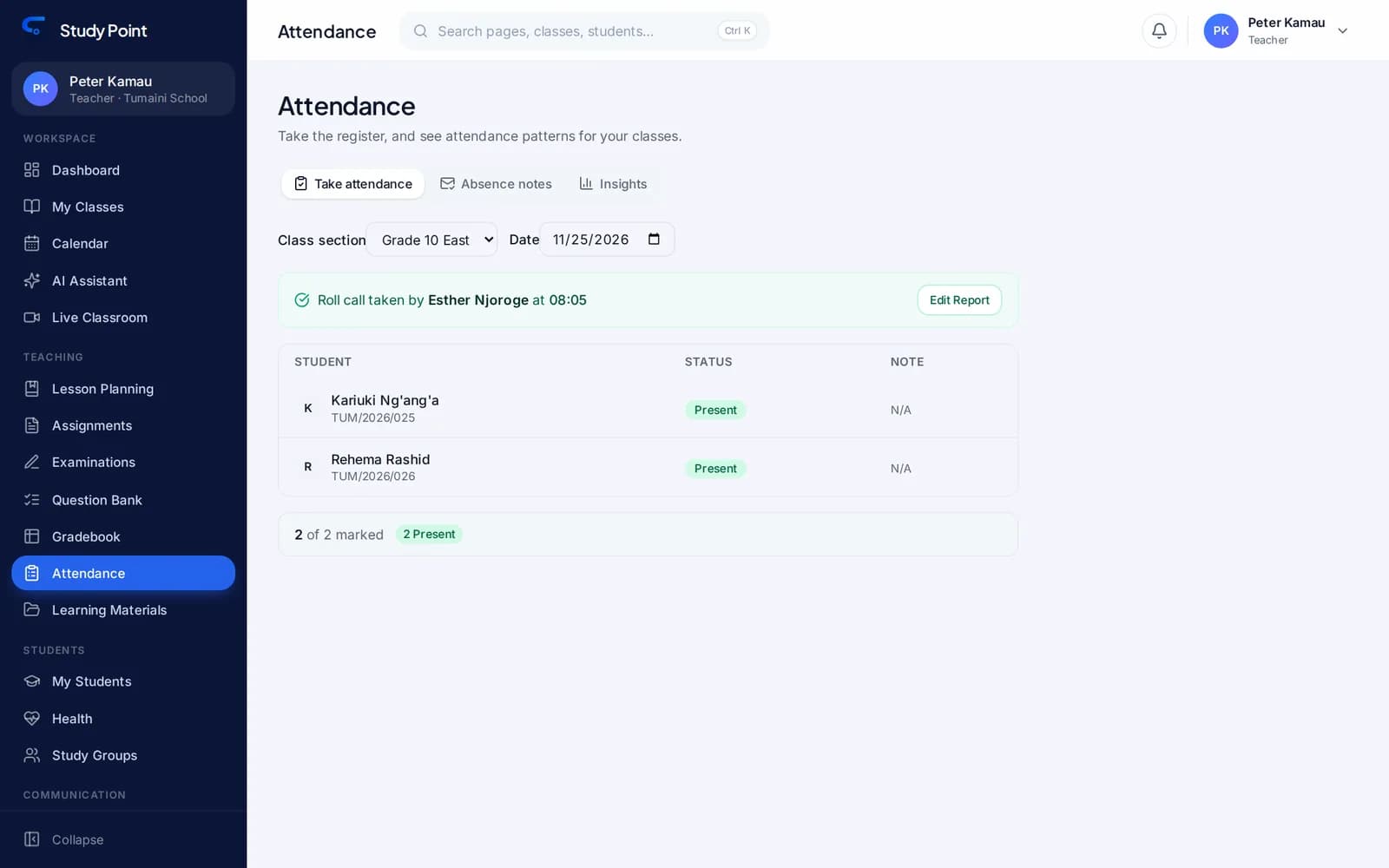
Marks entered once feed the gradebook, results and report cards with achievement levels from your grading scale. The head approves and the school publishes.
- Exams and assignments
- Achievement levels and points worked out for you
- Published to parents only when ready
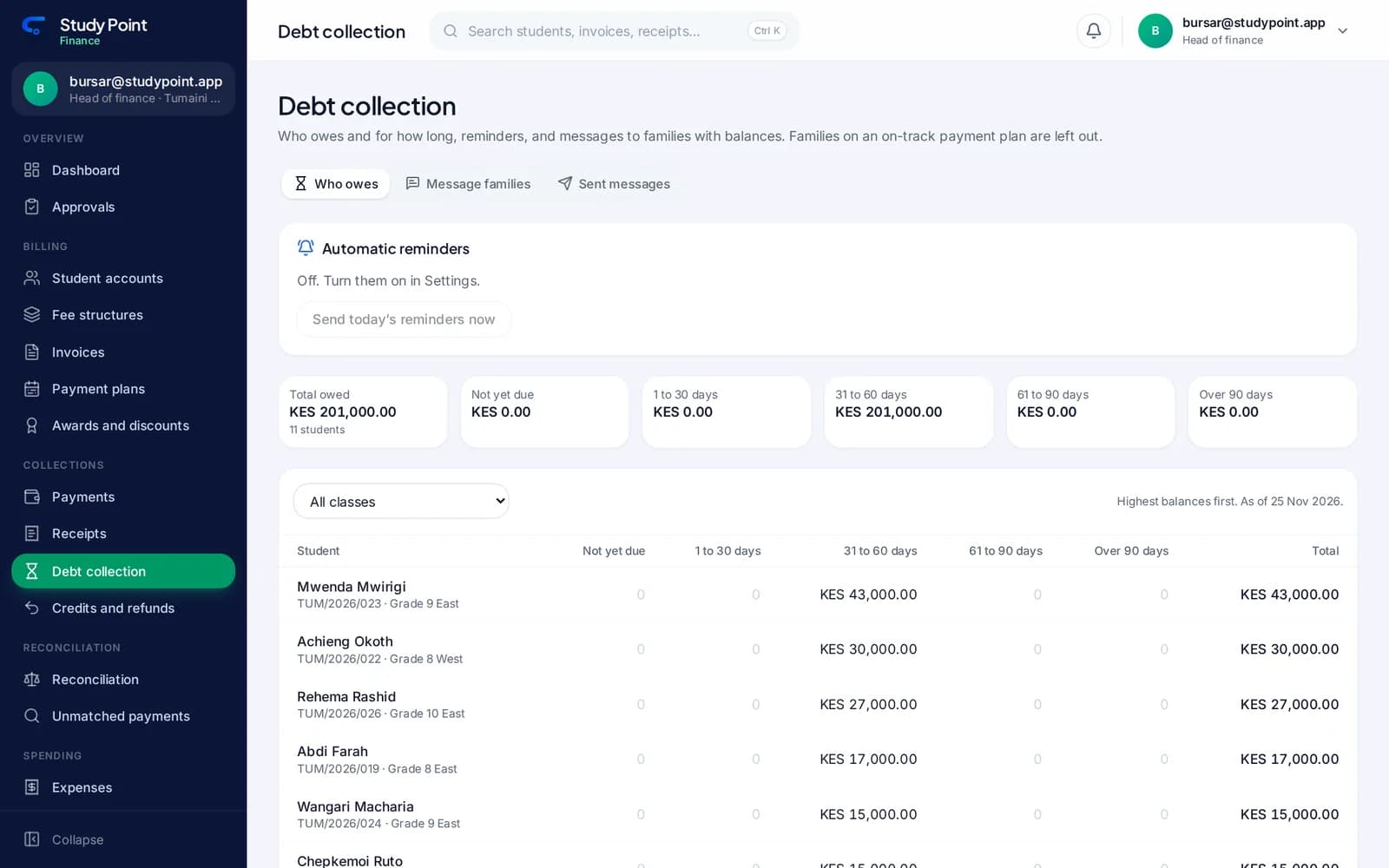
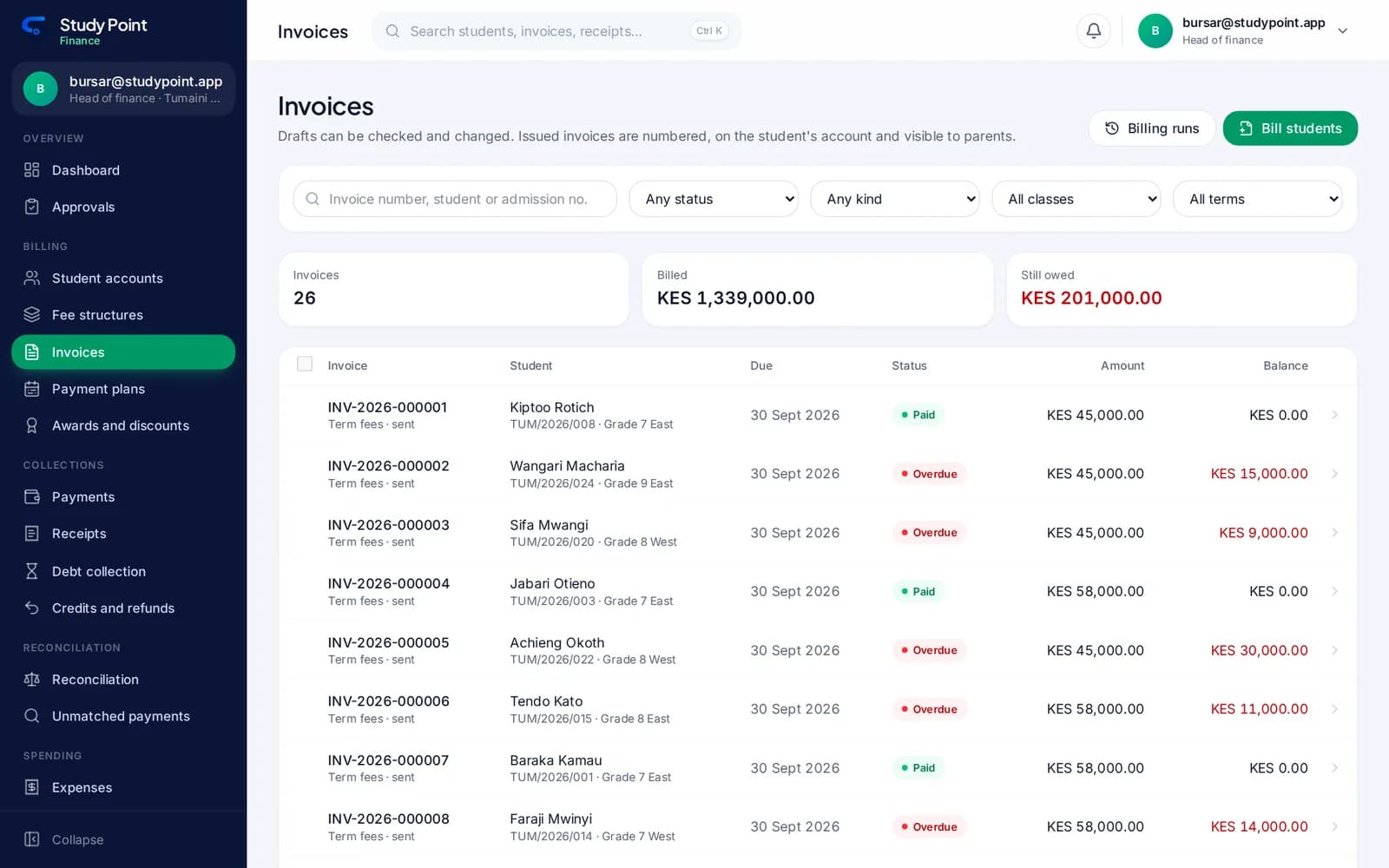
Fees collected without chasing
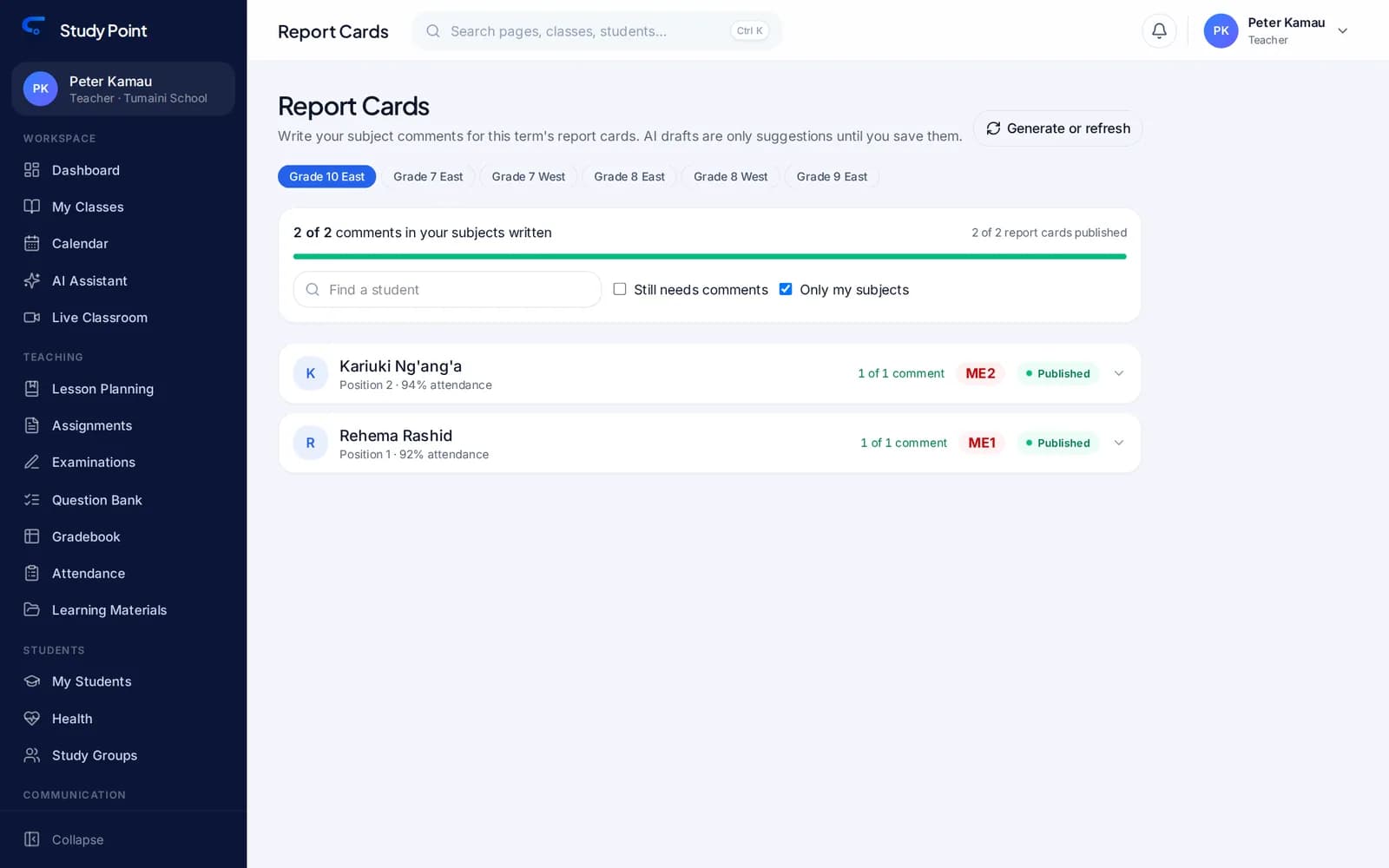
Invoices for every learner at the start of term, M-Pesa payments matched automatically, receipts sent to parents and balances followed up kindly.
- STK push and Paybill
- Receipts with QR checks
- Reminders and payment plans
How it connects
A term at a day school
From the first invoice to the last report card, everyone works from the same records.
What you’ll use
The parts that matter most to you
School office
Students, staff, classes, timetables, registers and the gate, with one dashboard for the whole school.
Learn moreTeachers
Registers, marking, exams, CBC report cards, lesson plans and an AI teaching assistant.
Learn moreFees and finance
Invoices, M-Pesa payments, receipts with QR checks, debt follow-up and a proper ledger.
Learn moreParent app
Results, attendance, fees with M-Pesa, the school bus and messages for every child in one app.
Learn moreTransport
Live bus tracking from the driver’s phone, pick-up and drop-off checks, and alerts for parents.
Learn moreStudent app
Timetable, assignments, results, report cards, achievements and career ideas for each learner.
Learn moreAI learning
A tutor that explains, a study workspace, revision cards and study plans for every learner.
Learn moreMessages and notices
Announcements, class notices and direct messages, by app, email and SMS, plus WhatsApp for automatic updates.
Learn moreSchool website
A professional school website your team edits and publishes, with news, admissions and your own domain.
Learn more
Questions
Common questions
No. Start with what you need most, such as registers, report cards or fees, and turn on more as you go.
Yes. Report cards use achievement levels and points from your grading scale, or the CBC default.
Registers, gate check-ins and the bus checklist keep working offline and sync when the connection returns.
Yes, from the parent app or straight to your school’s Paybill, and each payment is matched to the right child.
See it with your own school
Start a free trial, or book a demo and we’ll walk you through it.