
Library
A library that reaches every reader
Printed and digital books in one catalogue, borrowing and reservations at the desk, an in-app reader for PDFs and e-books, and reading lists teachers set for their classes.
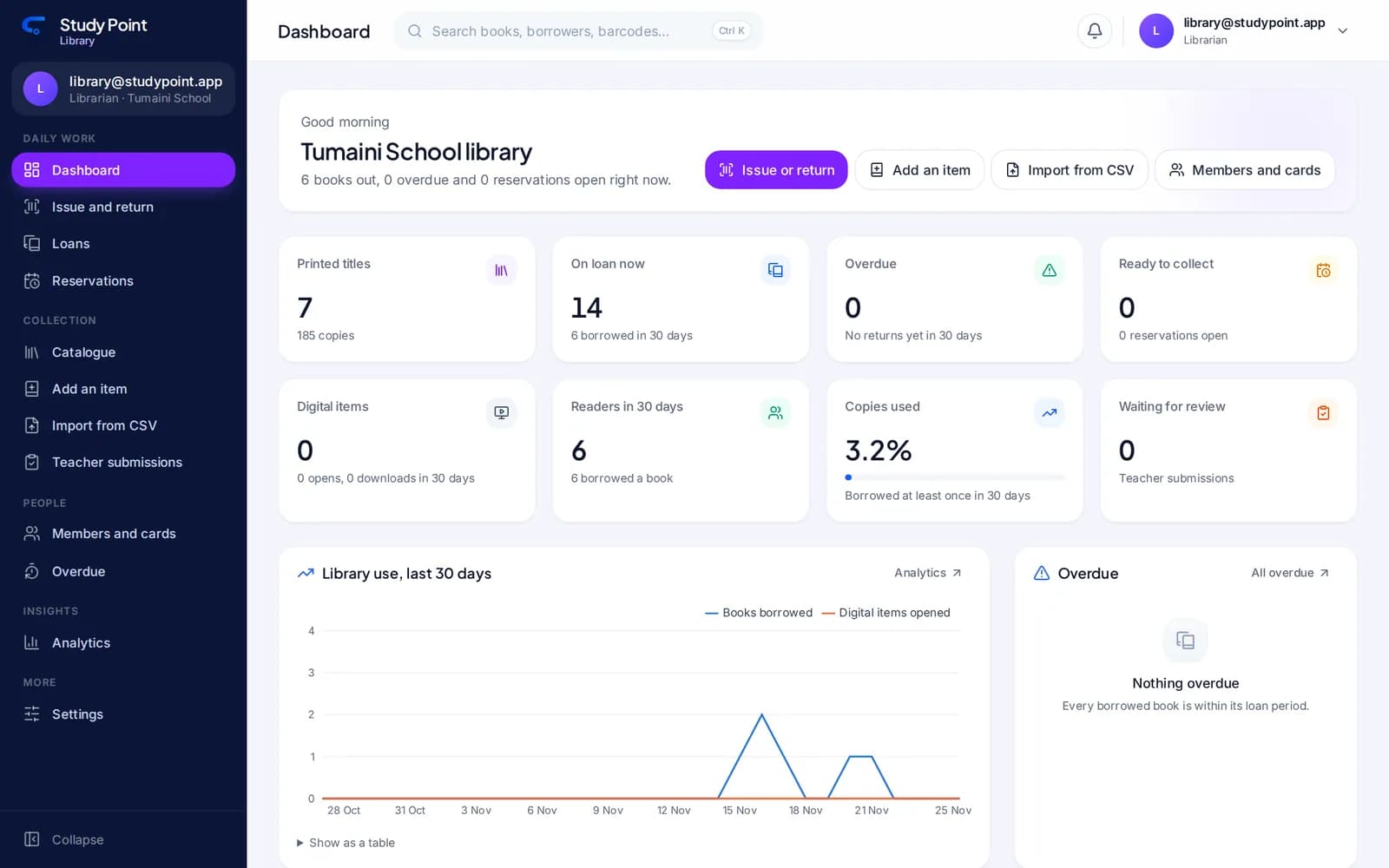
One catalogue for everything
Books with copies and barcodes sit beside e-books, PDFs, past papers, revision notes, audio and video. Search understands grades and subjects.
- Copies with barcodes and accession numbers
- Digital items with who can see them
- School learning materials listed too
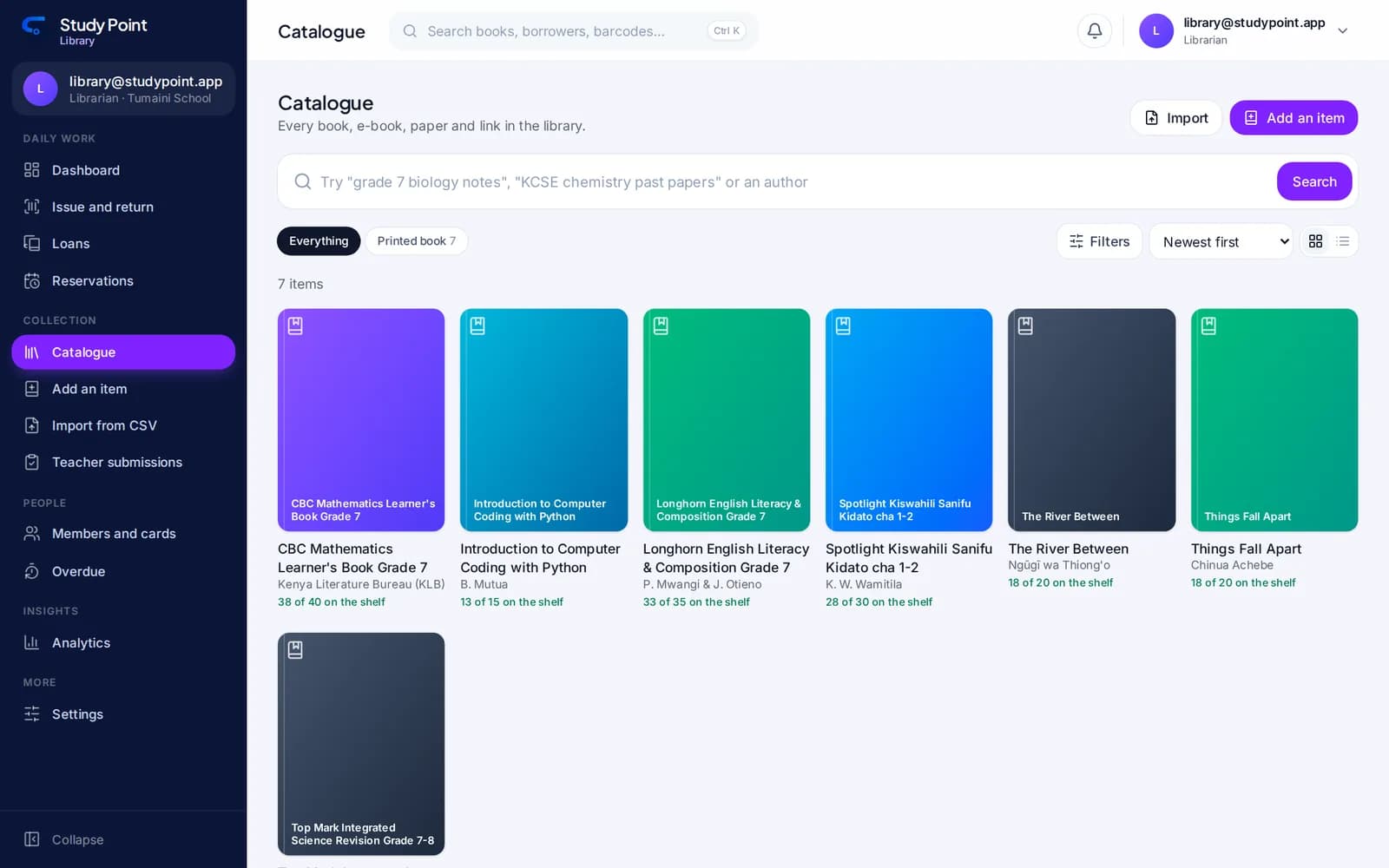
Borrowing and reservations
Readers reserve a book from their phone; it’s held at the desk or they join the waiting list. The librarian issues and returns copies, and a returned copy goes to the next reader in line.
- Limits, loan periods and renewals the school sets
- Reminders before the due date
- Optional fines billed to the fee account
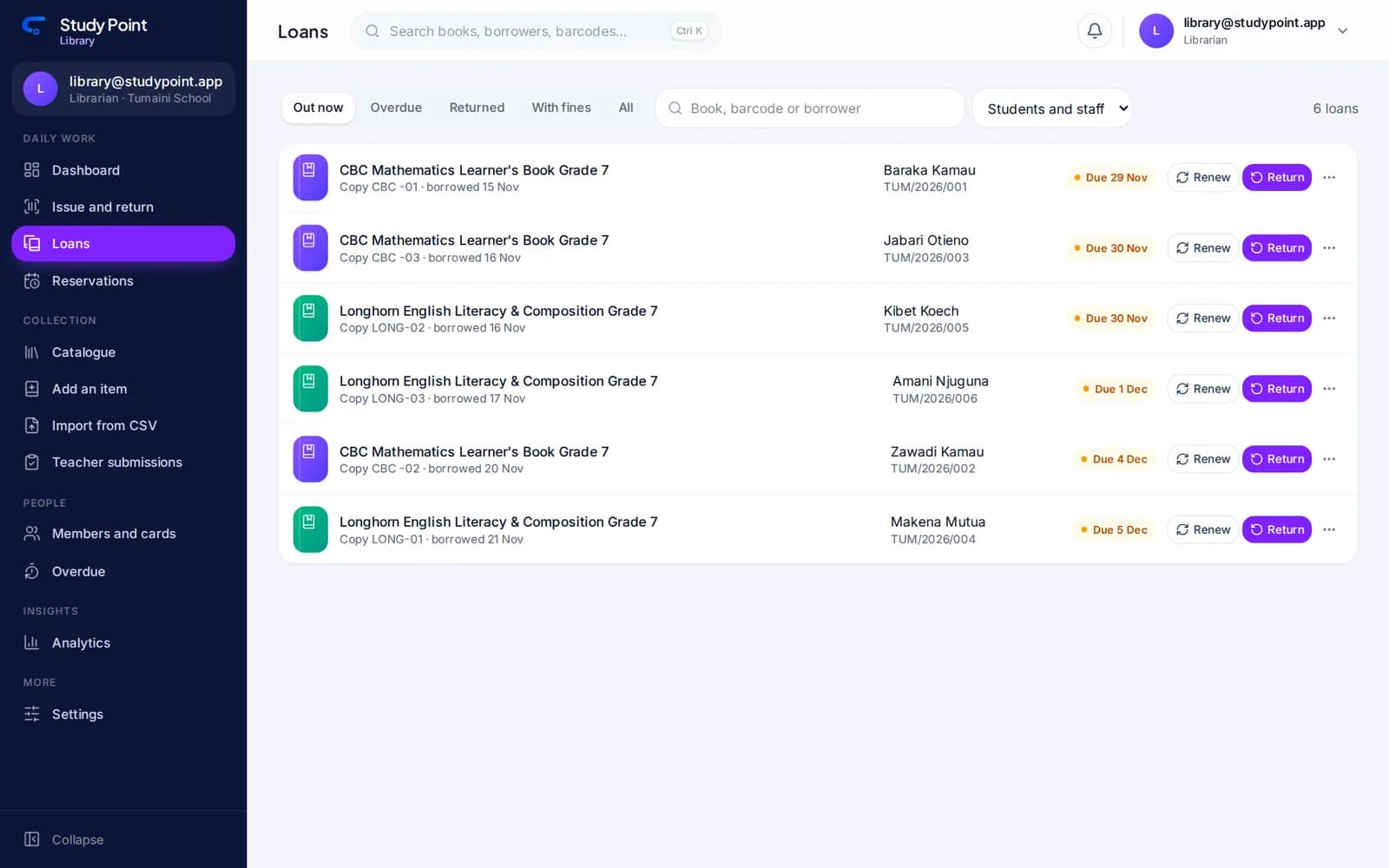
Read in the app
PDFs, e-books, text, audio and video open in a full-screen reader that remembers where you stopped, with bookmarks and highlights.
- Picks up where the reader left off
- Bookmarks and highlights
- Downloads only where the school allows
Reading lists for classes
Teachers build reading lists, assign them to classes or study groups and see how many learners have opened them. Teachers can submit their own materials for the librarian to approve.
- Lists assigned to classes
- Engagement counts
- Teacher submissions with review
“Ask the library”
Readers describe what they need and an AI picks from items they are already allowed to see. It is clearly labelled as AI and never shows anything hidden from them.
- Uses the reader’s own permissions
- Suggests from real catalogue items
- Labelled as AI
What it covers
Everything in Library
Catalogue
- Printed books
- Copies and barcodes
- E-books and PDFs
- Past papers
- Audio and video
- Search
Circulation
- Borrowing
- Reservations
- Waiting lists
- Renewals
- Reminders
- Fines
- Library cards
Reading
- In-app reader
- Bookmarks
- Highlights
- Reading lists
- Favourites
People
- Librarian portal
- Students
- Teachers
- Parents see their child’s loans
Questions
Common questions
No. Students need an active card; staff can borrow without one.
Only if you turn them on. Fines go to the student’s fee account as an invoice.
PDFs, e-books, plain text, audio and video. Word, PowerPoint and Excel files can be downloaded where allowed.
Parents see loans and due dates. Online reading shows as counts only.
Works with
Connected to the rest of your school
Student app
Timetable, assignments, results, report cards, achievements and career ideas for each learner.
Learn moreTeachers
Registers, marking, exams, CBC report cards, lesson plans and an AI teaching assistant.
Learn moreAI learning
A tutor that explains, a study workspace, revision cards and study plans for every learner.
Learn more
See Library with your own school
Start a free trial, or book a demo and we’ll walk you through it.