
For boarding schools
Every boarder accounted for, day and night
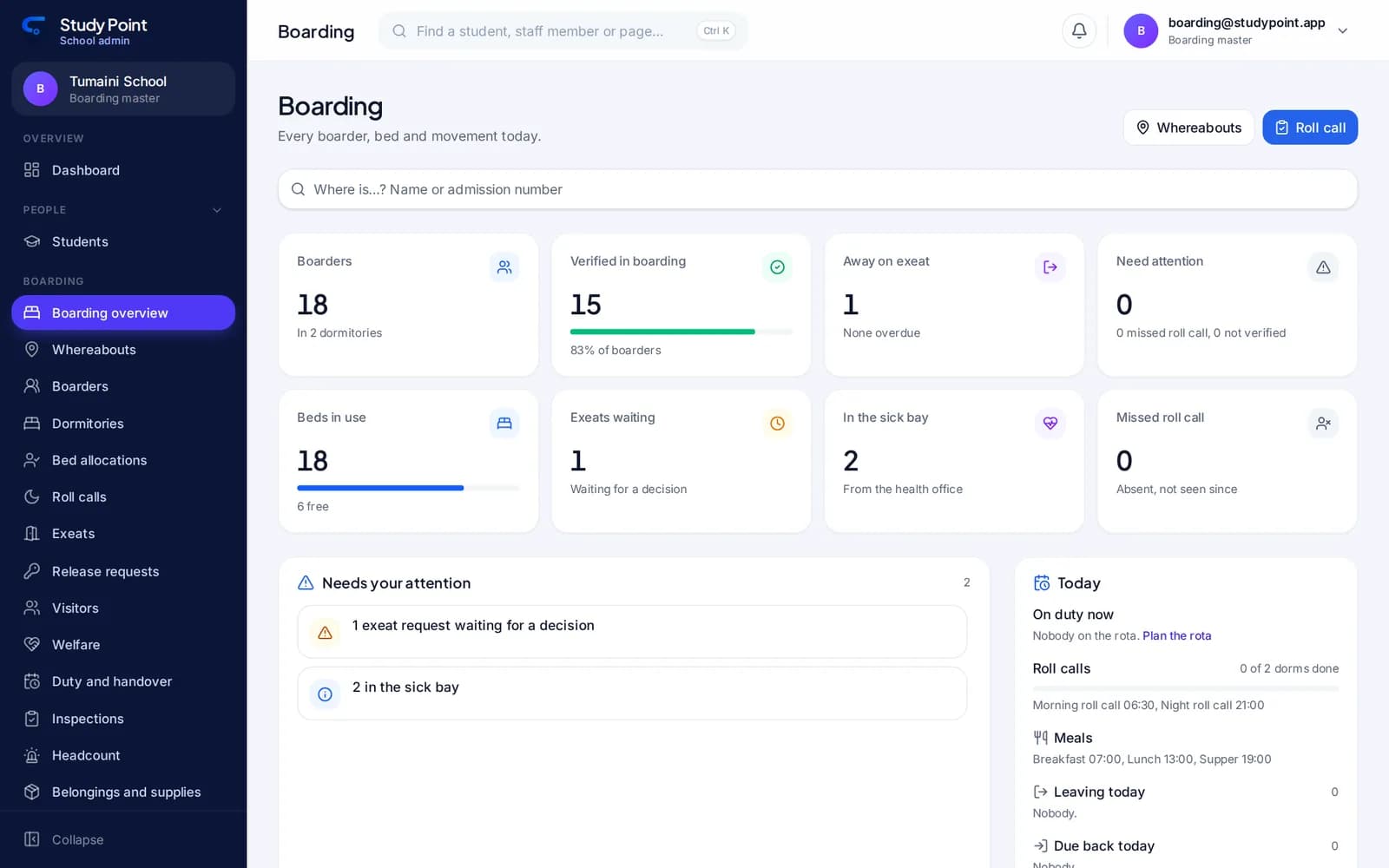
Roll calls, exeats, visitors, the sick bay and welfare work together, so you can always answer where a child is, and parents hear what they need to know.
How it works
24 hours in boarding
How Study Point keeps track through a boarder’s day and weekend.
- 01 · MorningBoarding
Morning roll call
House parents mark their dorms. Boarders on exeat or in the sick bay are already filled in; anyone unaccounted for is flagged.
- 02 · School dayTeachers
Classes and the register
Teachers take the class register as in any day school, and movements at the gate count towards each boarder’s whereabouts.
- 03 · Any timeHealth
A visit to the sick bay
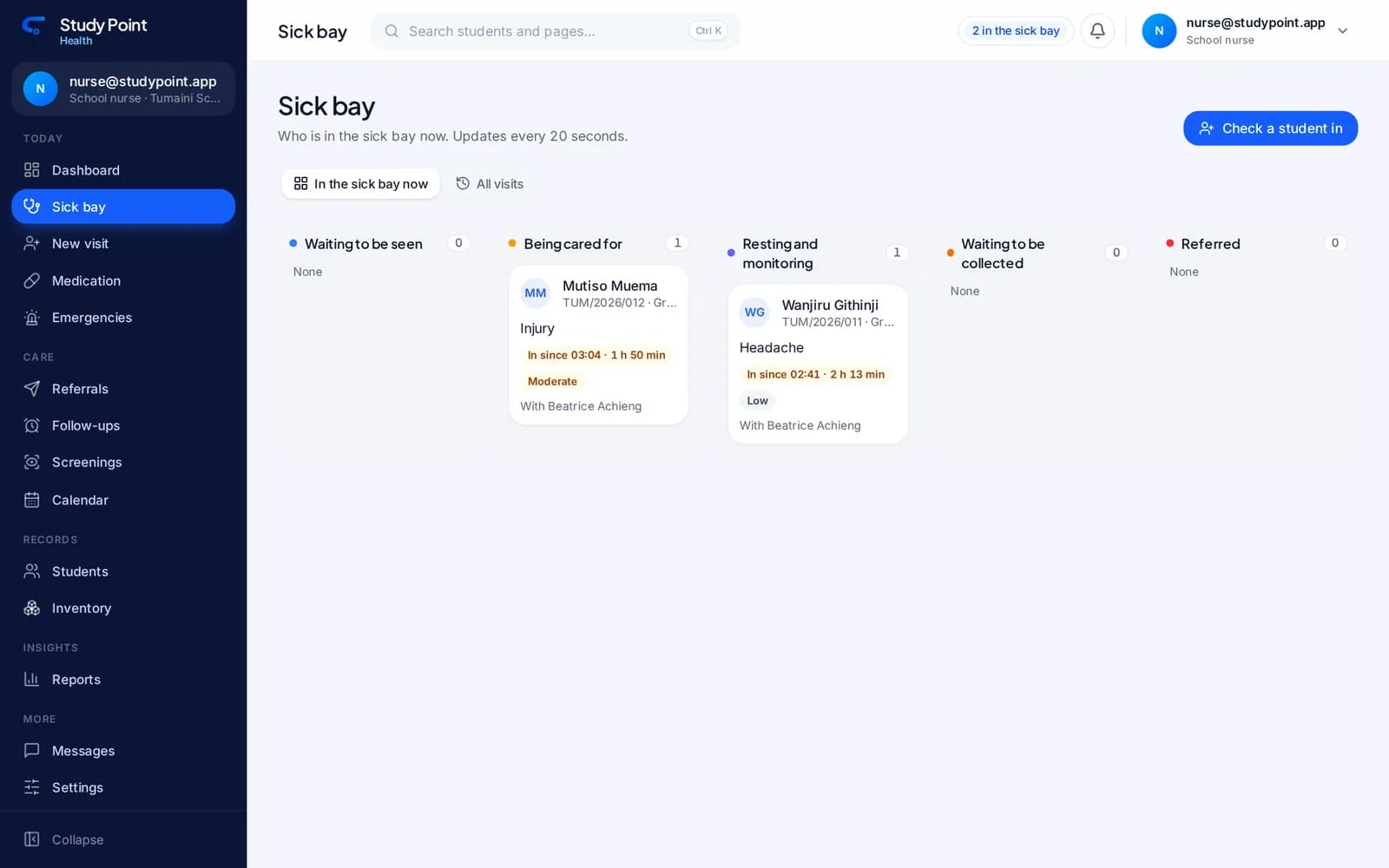
The nurse checks the boarder in. Boarding sees “in the sick bay” and the parent is told when the visit ends.
- 04 · EveningBoarding
Evening roll call and handover
The evening session confirms everyone is back; duty staff hand over to the next shift with notes.
- 05 · NightBoarding
Whereabouts and headcounts
Every boarder’s status is one search away, and an emergency headcount can be run house by house.
- 06 · WeekendBoarding
Exeats and visitors
Parents request exeats in the app; staff confirm who collected and when they returned. Visitors get a pass with a QR check.
The sick bay and boarding, connected
When a boarder is in the sick bay, boarding staff see it in their whereabouts and roll calls, without seeing why. The nurse shares allergy and diet flags for meals, and parents are told when the visit ends.
- Clinical notes stay with the nurse
- Allergy and diet flags for the kitchen
- Medication with stock and consent checks
Boarding fees in the same account
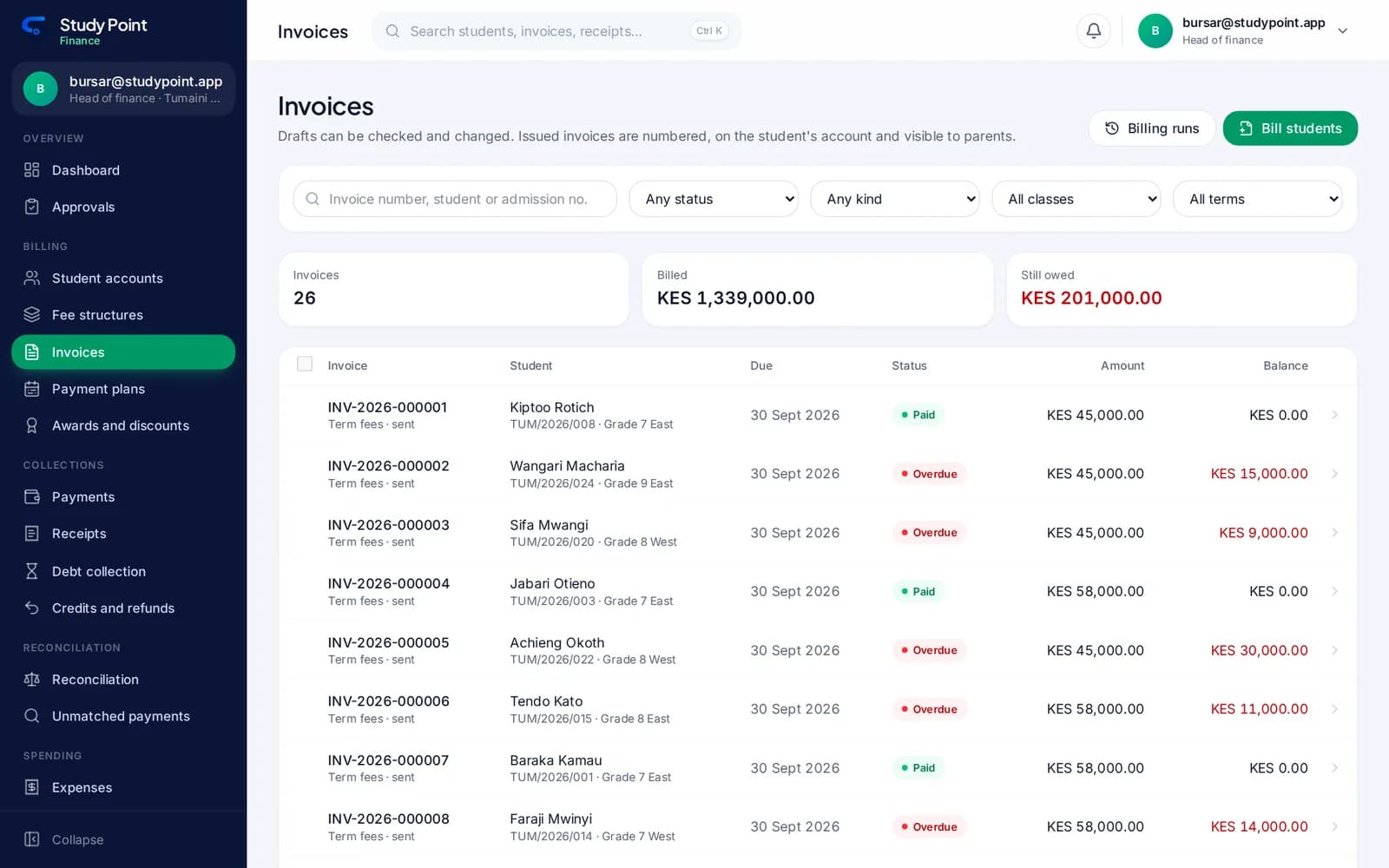
Boarding is part of the fee structure, so boarders are billed correctly with everything else and parents pay by M-Pesa.
- Boarding fees by grade
- One statement per learner
- Payments matched automatically
What you’ll use
The parts that matter most to you
Boarding
Dorms and beds, roll calls, exeats, visitors and where every boarder is right now.
Learn moreHealth and sick bay
Health records, sick bay visits, medication and stock, with parents told when it matters.
Learn moreParent app
Results, attendance, fees with M-Pesa, the school bus and messages for every child in one app.
Learn moreFees and finance
Invoices, M-Pesa payments, receipts with QR checks, debt follow-up and a proper ledger.
Learn moreSchool office
Students, staff, classes, timetables, registers and the gate, with one dashboard for the whole school.
Learn moreMessages and notices
Announcements, class notices and direct messages, by app, email and SMS, plus WhatsApp for automatic updates.
Learn more
Questions
Common questions
Yes. House parents work with the dormitories they’re assigned to; the boarding master and school leaders see everything.
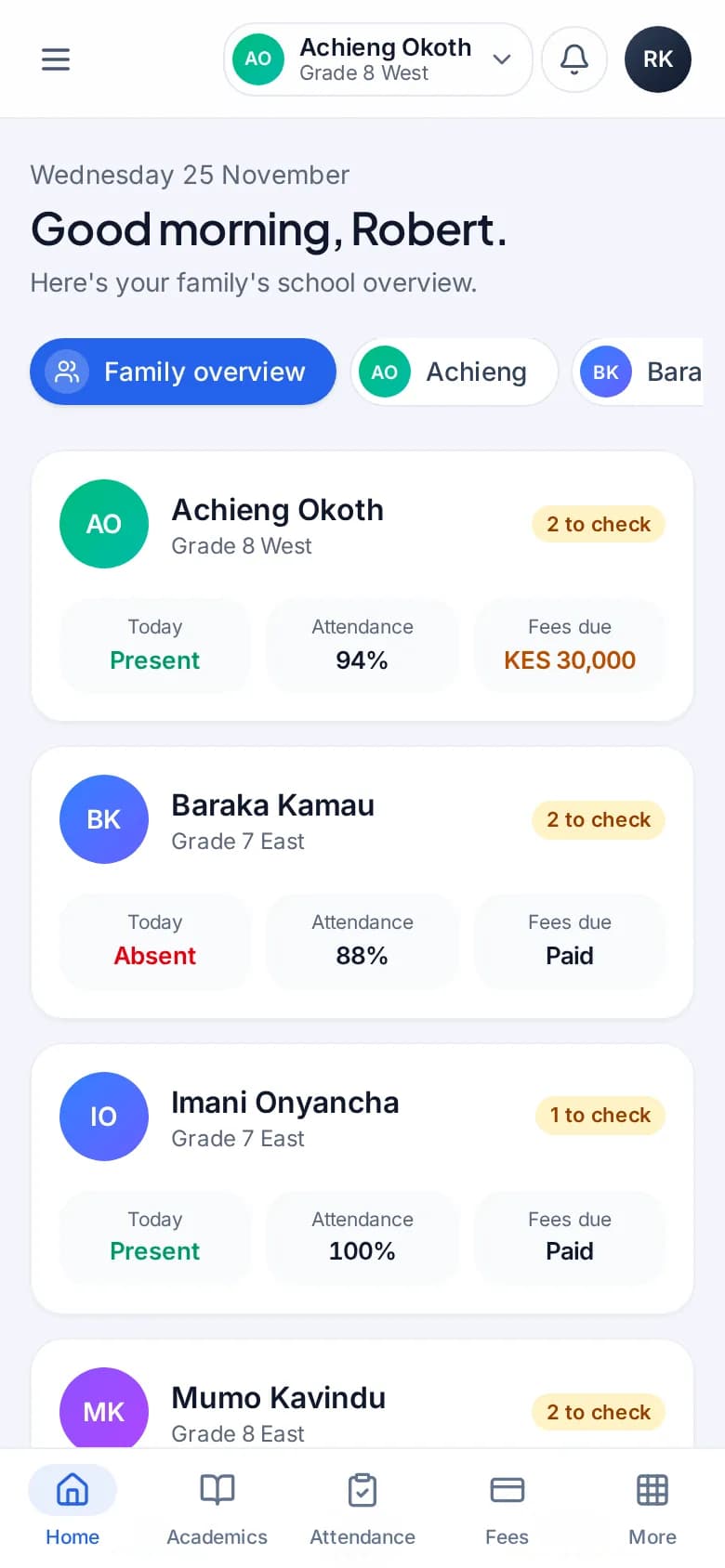
Whether their child is in boarding, away on exeat or in the sick bay, plus their exeat requests and visits. Never welfare notes.
No. Boarding works inside the same school office, linked to the sick bay, the gate, fees and the parent app.
Yes. Each school decides who approves exeats and in what order.
See it with your own school
Start a free trial, or book a demo and we’ll walk you through it.