
Student app
Everything a learner needs, in one place
Timetable, assignments, results, report cards and attendance, with an AI tutor, revision, study groups and achievements to keep learning steady.
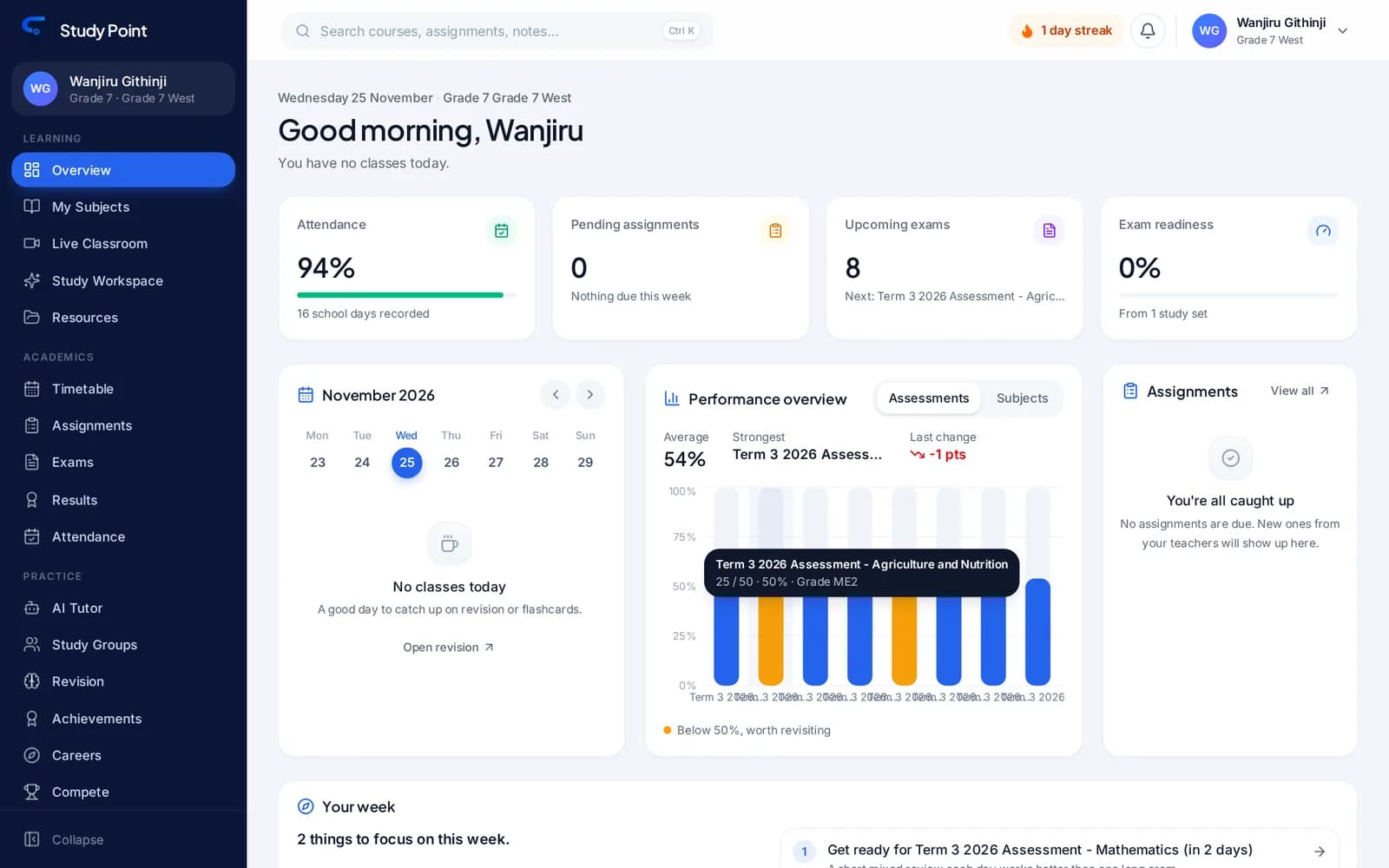
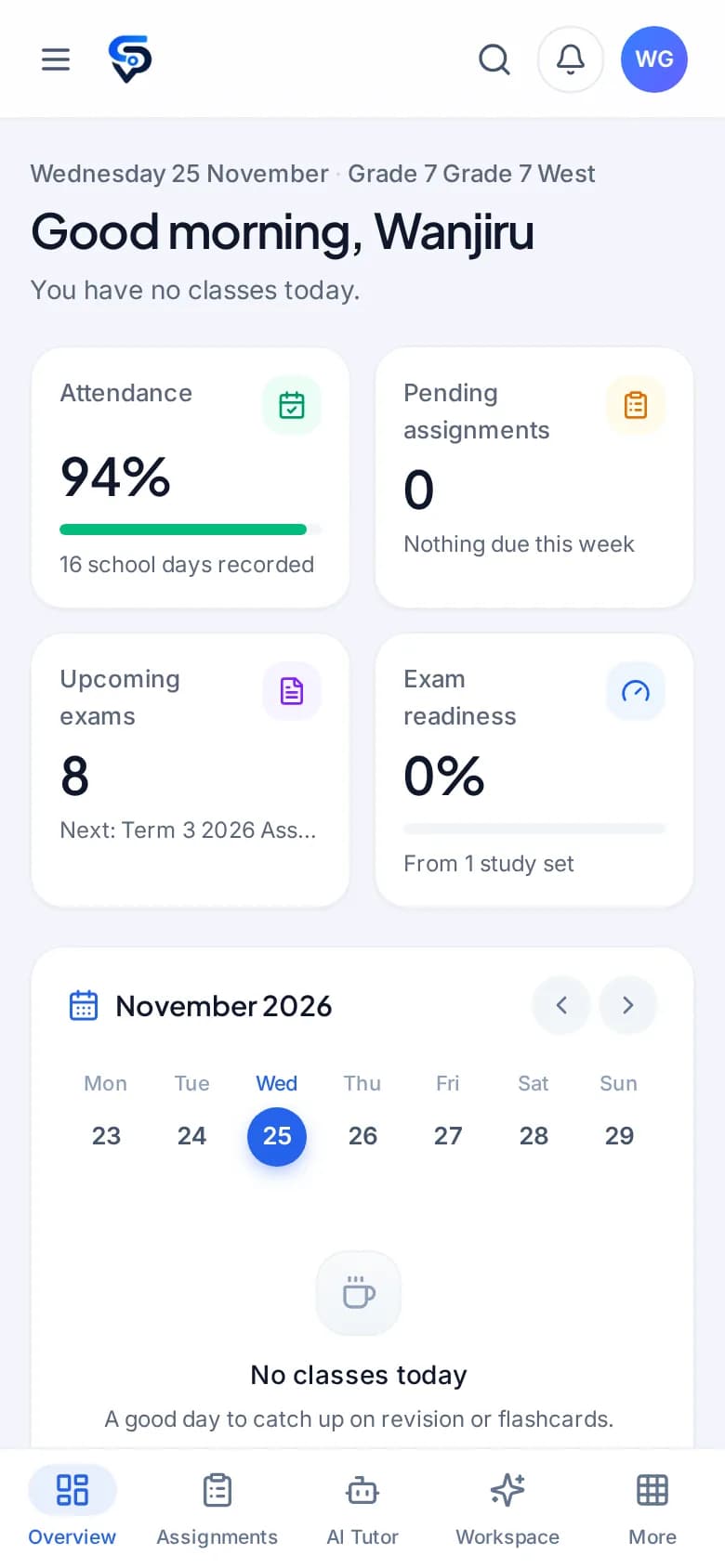
Report cards and results
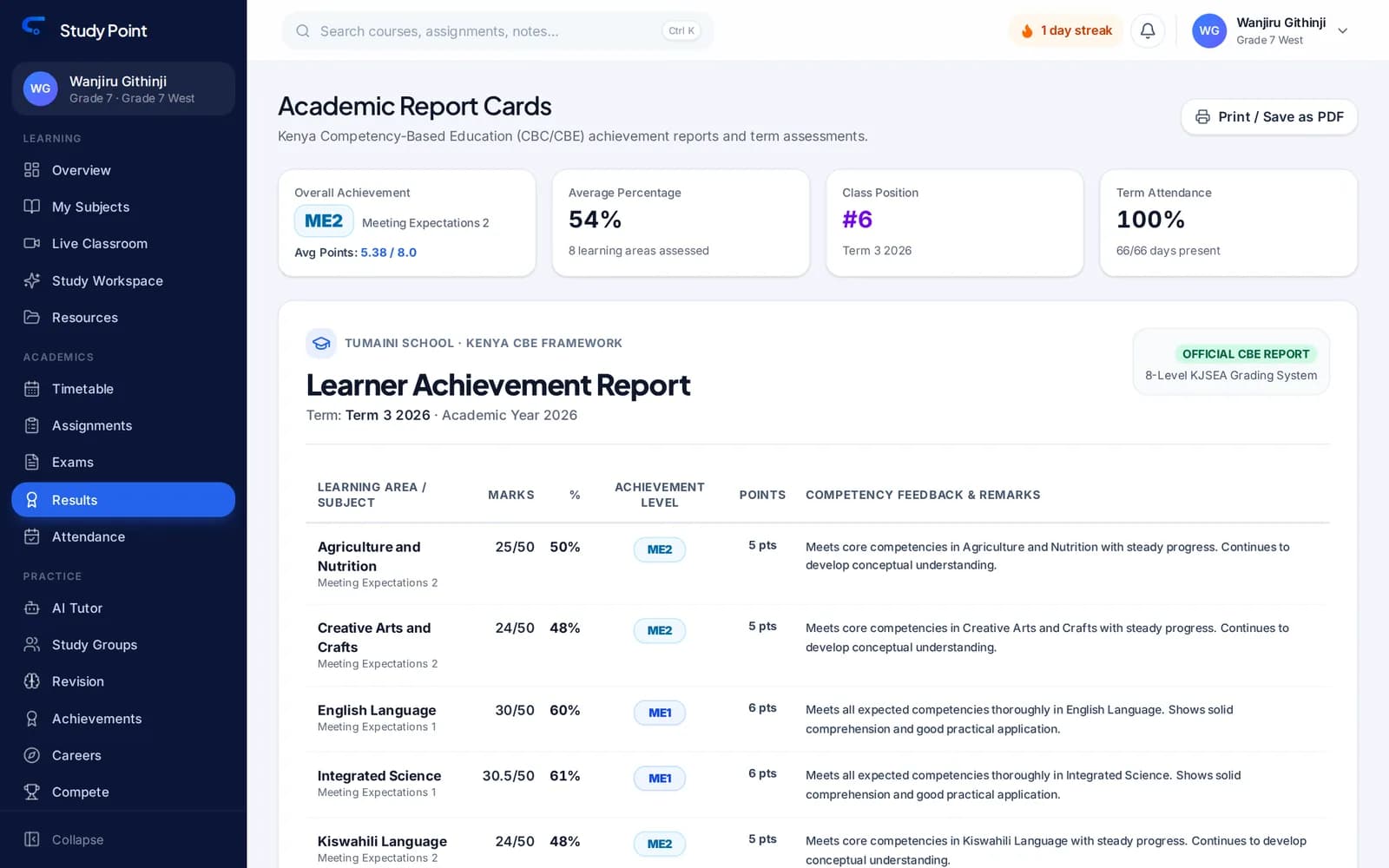
Learners see their published results and report cards with each subject’s achievement level, and how they’re doing term by term.
- Only what the school has published
- Subject averages and trends
- Attendance record
Achievements earned by real work
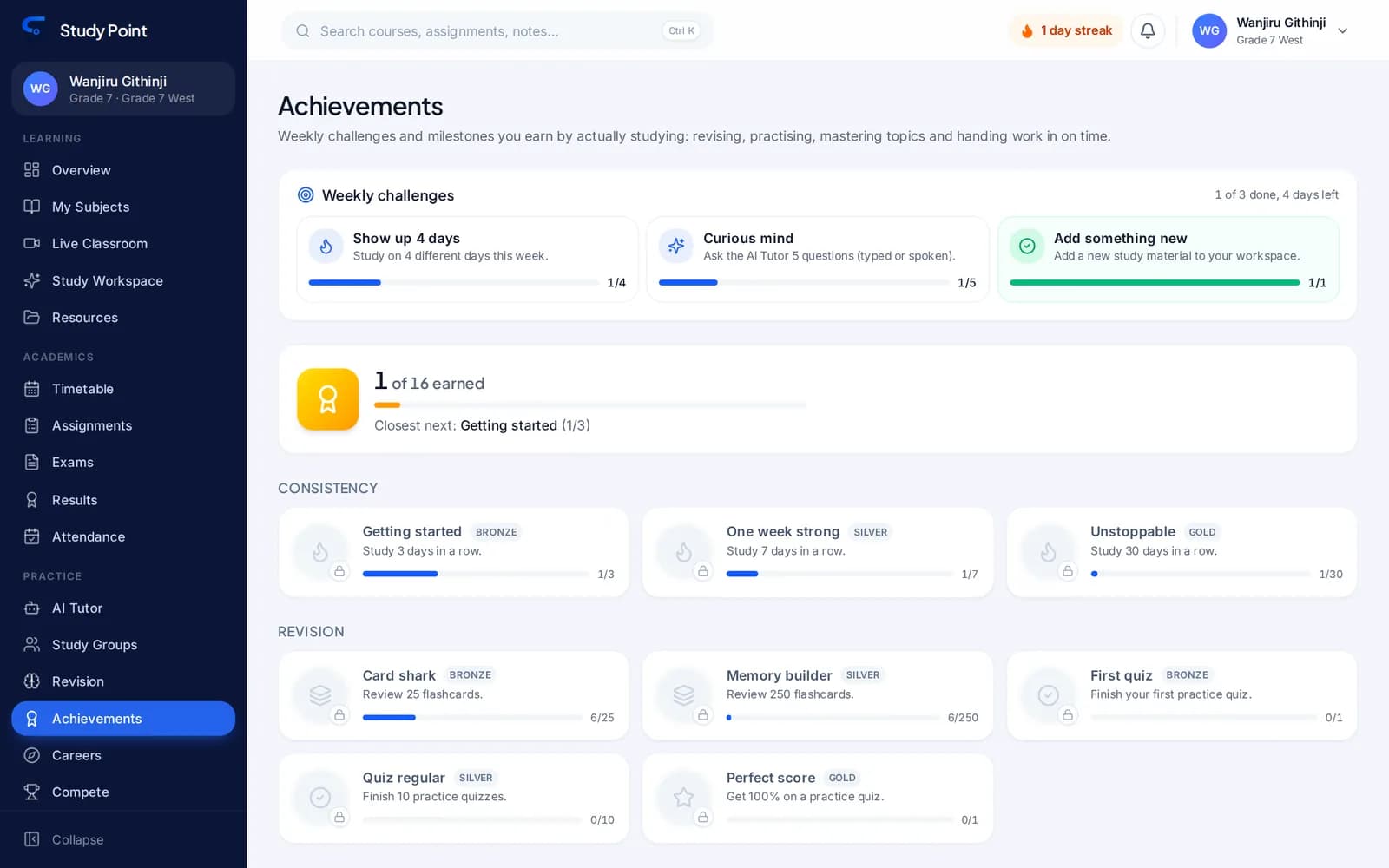
Milestones for study streaks, revision, mastery, handing work in on time and group study, plus weekly challenges. Nothing is earned by just opening the app.
- Study streaks
- Weekly challenges
- Celebrated once, not nagged
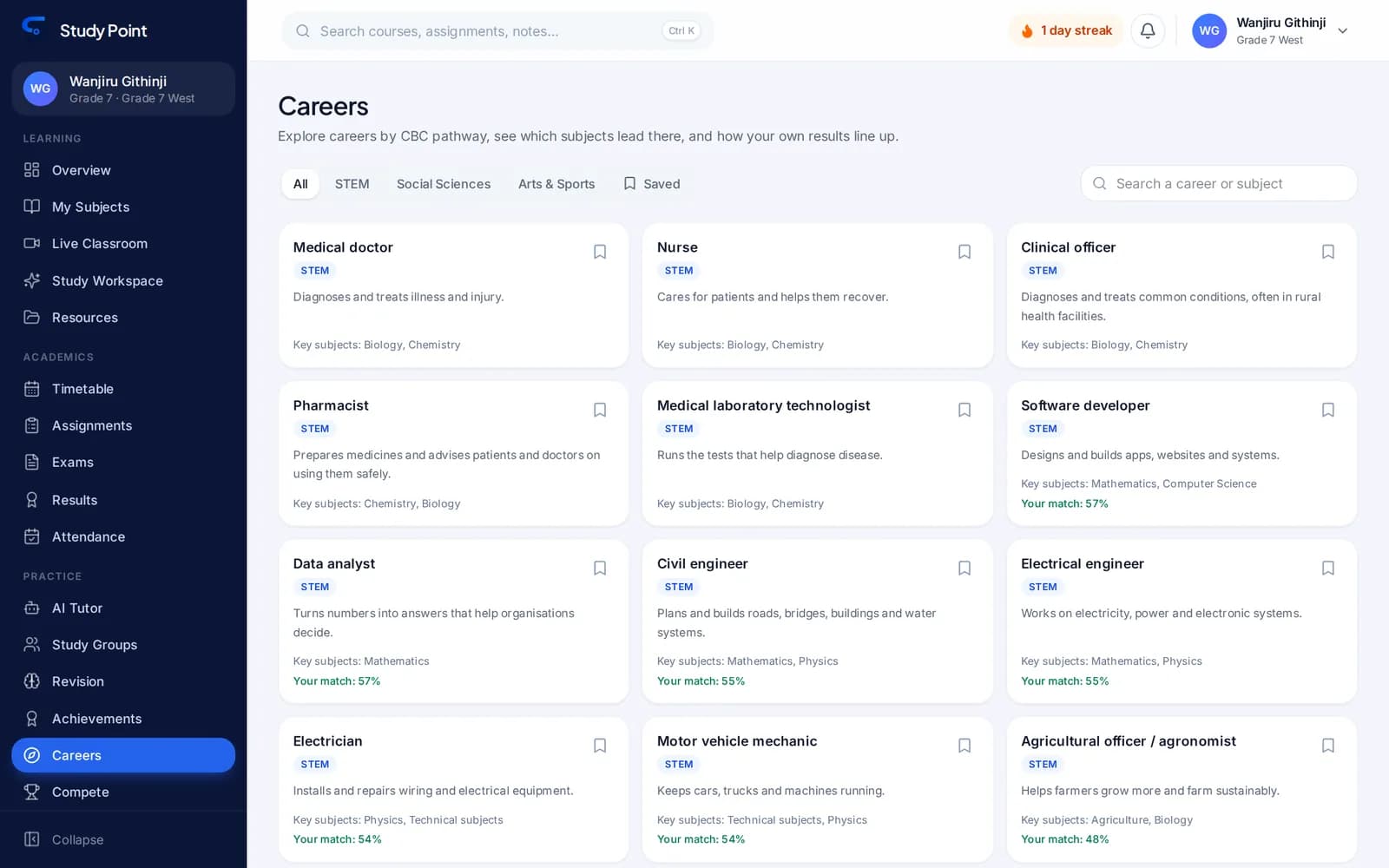
Careers to aim for
Careers by CBC pathway, the subjects that lead there and how the learner’s own results line up.
- Careers by pathway
- Based on real results
- A reminder to confirm entry requirements
Assignments and exams
See what’s due, hand work in, and sit online exams. Marks and feedback appear once the teacher has confirmed them.
- Due dates and status
- Feedback from teachers
- Online exams where the school uses them
Study groups with classmates
Learners form study groups within their own class, post questions and plan sessions together. Staff can see every group and moderate reports.
- Classmates only
- Invite-only or open to the class
- Moderated by staff
Live classes and the library
Join live classes with a shared whiteboard, read lesson summaries the teacher has published, and borrow or read library books from the app.
- Live classes and recordings
- Published lesson summaries
- Library reservations and the in-app reader
What it covers
Everything in Student app
School
- Timetable
- Assignments
- Exams
- Results
- Report cards
- Attendance
- Messages
Learning
- AI tutor
- Study workspace
- Revision
- Study plans
- Live classes
- Resources
Together
- Study groups
- Achievements
- Weekly challenges
Beyond class
- Careers
- Library
- Health summary
- Boarding
- Fees where the school allows
Questions
Common questions
Yes. It runs in the phone’s browser, can be added to the home screen, and study packs can be saved for offline use.
No. Each learner sees only their own records.
No. They can only message contacts the school allows.
Only if the school turns that on.
Works with
Connected to the rest of your school
AI learning
A tutor that explains, a study workspace, revision cards and study plans for every learner.
Learn moreParent app
Results, attendance, fees with M-Pesa, the school bus and messages for every child in one app.
Learn moreLibrary
One catalogue for printed and digital books, borrowing, reservations and an in-app reader.
Learn more
See Student app with your own school
Start a free trial, or book a demo and we’ll walk you through it.